 Dinky
Dinky
Dinky vs QuickTime
QuickTime Player ships with macOS for playback and simple export. Dinky is for when you want the same H.264/HEVC presets across a folder—or FPS caps—with stills, audio conversions, or PDFs handled in the same session.
Choose QuickTime Player for a quick one-file export
When you already have a movie open and only need a single export pass—not a batch, not a saved preset, and not mixed media alongside PDFs.
Choose Dinky for presets, batch, and mixed media
When QuickTime’s one-at-a-time workflow breaks down: queues, watch folders, Finder Quick Actions, and one dock icon for MP4 (with optional FPS caps) plus WebP exports, audio cross‑converts, and PDF shrink.
| Dinky | QuickTime Player | |
|---|---|---|
| Primary focus | Smaller MP4 + images + PDFs + audio in one app | Playback; export / re-encode from an open file |
| Compression presets | Named presets (H.264 / HEVC, quality tiers; optional FPS cap) | Export options; not a preset library like Dinky |
| Still images | Yes (WebP, AVIF, HEIC, PNG, …) | No |
| Yes | No | |
| Batch on macOS | Native batch, watch folders, Quick Actions | Primarily one file at a time |
| Processing | Local on your Mac | Local on your Mac |
| Price | Free (MIT) | Free (built into macOS) |
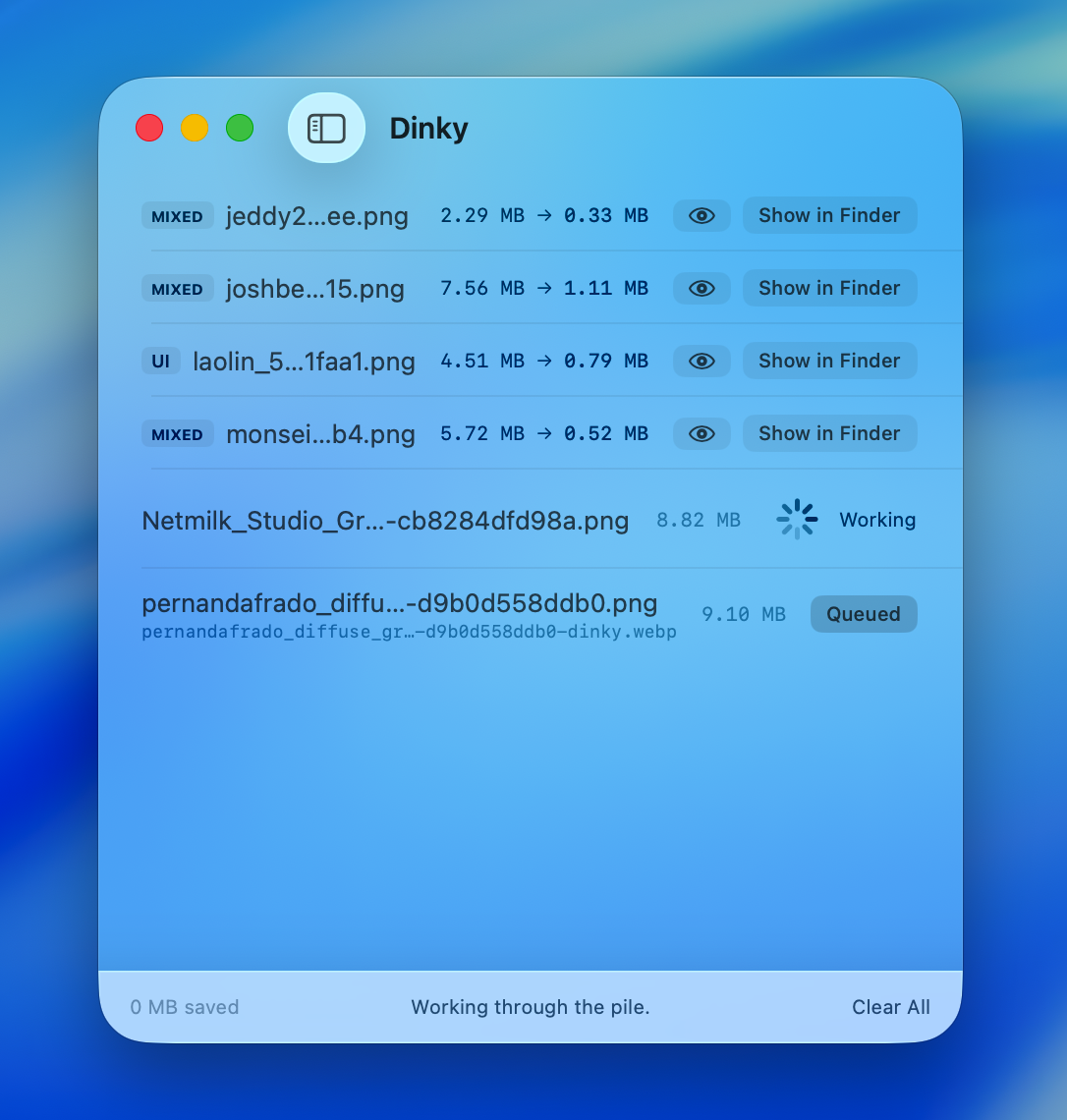
Beyond one-file export
Presets and queues, not just Save
QuickTime Player is the right tool for a single export from the menu bar—open Dinky when you need repeatable MP4 settings, optional FPS caps, batch folders, and images, audio conversions, or PDFs in the same workflow.
35 MB · v2.13.0 · Requires macOS 15 Sequoia